Logitech G PRO X3 SUPERSTRIKE – a gaming mouse with no click switches
As an Amazon Associate I earn from qualifying purchases. It costs you nothing extra.
A lot of mice die the same way. Not the battery, not the sensor. The left button. It starts double-clicking on its own, and suddenly every drag drops a file somewhere it shouldn’t.
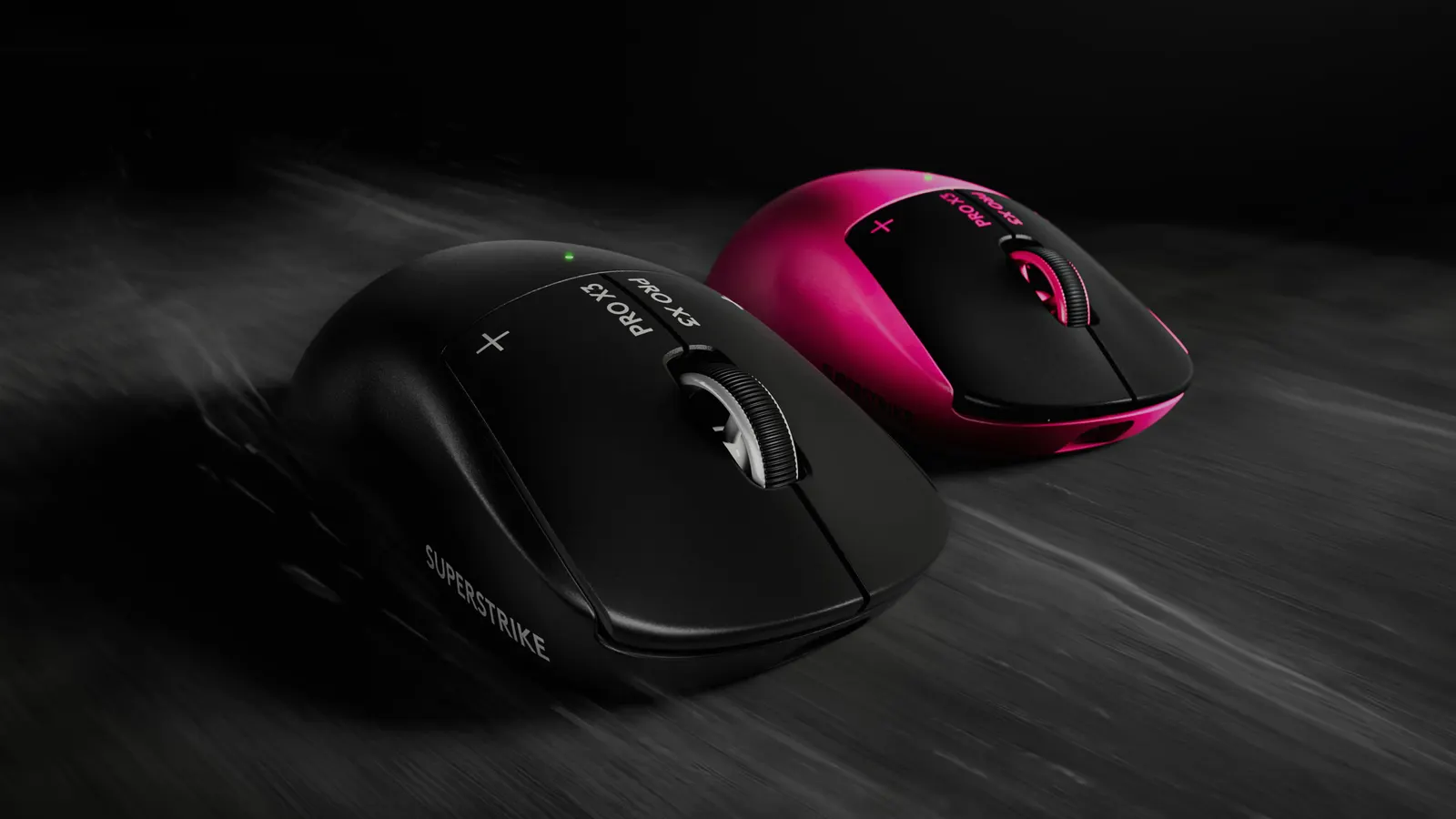
The Logitech G PRO X3 SUPERSTRIKE has no click switch to wear out. It’s a wireless gaming mouse that senses how far you press each main button with an inductive (magnetic) sensor, then fakes the click with a tiny haptic pulse. You choose how deep the click triggers. Logitech launched it on September 23, 2026.
It’s built for esports players. I mostly want one because a mouse that pretends to click is the strangest thing on my desk wishlist.
How does the PRO X3 SUPERSTRIKE work?
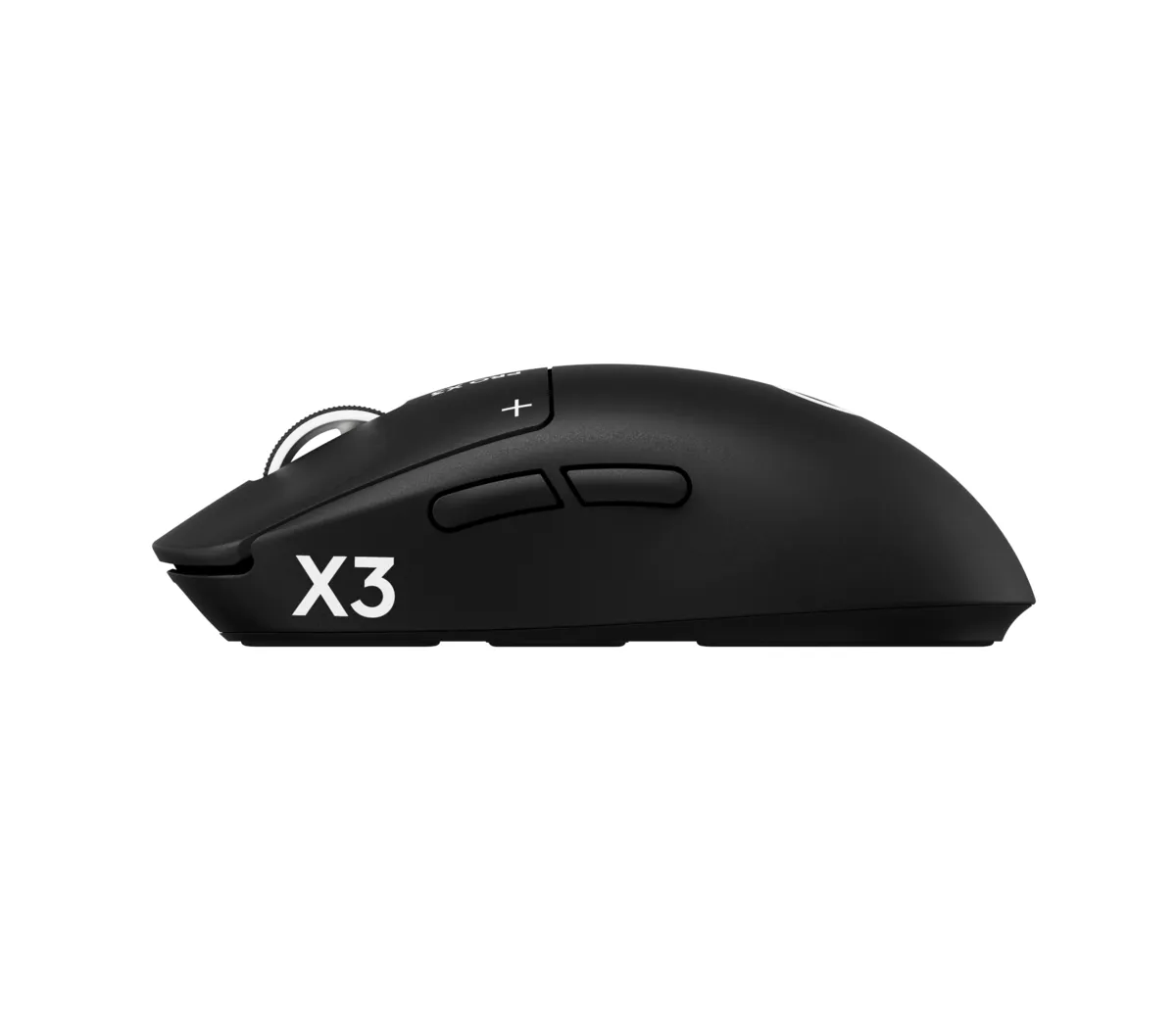
Logitech calls the system HITS, short for Haptic Inductive Trigger System. Under the two main buttons there’s no microswitch. An electromagnetic field measures how far each button moves, and a small motor gives you a click you feel without a mechanical part snapping.
Because it’s measured instead of switched, you can tune it in Logitech’s G HUB software:
- 10 actuation points: how deep you press before it counts as a click
- 5 rapid trigger reset points: how little you need to lift before the next click
- 6 haptic strength settings for the fake click
Logitech says this cuts click latency by up to 30 milliseconds compared with normal switches. That’s the maker’s own testing.
Lars at ProSettings describes the feel as a vibrating pulse, a bit like a MacBook trackpad or a Steam Deck. The main buttons are also nearly silent, as Adam Vjestica at The Shortcut points out.
What’s new compared to the X2?
The X2 SUPERSTRIKE came out in February 2026, so the X3 is a fast follow-up. On paper it brings:
- a new NxLOGI chipset that Logitech says uses half the power, for up to 135 hours of battery
- 59 grams in the US (61 grams in Europe), down from 61
- better balance around the middle of the mouse
- the HERO 2 sensor, up to 48,000 DPI and 930 IPS
- 8 kHz polling both wired and wireless
The good and the not-so-good
What I like:
- No physical switch under the main buttons, so no double-click death.
- You set the click depth yourself. Very light for shooters, deeper if you rest a heavy hand.
- The battery. The Shortcut gave it 5 out of 5 and called the longer battery life a big part of the upgrade.
- It’s the familiar G PRO shape that Logitech has used since 2018. ProSettings calls it safe and trusted.
What could be better:
- 200 bucks is a lot for a mouse, and 20 more than the X2 at launch.
- ProSettings found the feet scratchy on rough pads and the scroll wheel and side buttons a bit mushy for the price.
- No Bluetooth, so it’s a gaming-only mouse.
- Not everyone gets used to it. Grant Taylor-Hill at Insider Gaming never fully adjusted to the missing physical click.
Who is the PRO X3 SUPERSTRIKE for?
PC gamers who play shooters or MOBAs seriously and already know what “rapid trigger” means. It’s also a great gift for the friend who has opinions about mouse feet.
Skip it if you mostly do office work. The Logitech MX Master 4 pairs with up to three computers, has a free-spinning wheel and its own haptic thumb panel for work. And if their desk needs a fun upgrade instead, look at the Corsair Galleon 100 SD, a gaming keyboard with a Stream Deck built in.
Where can I buy the PRO X3 SUPERSTRIKE?
It’s on Amazon US for about 200 bucks at the time of writing (October 2026), the same as on Logitech’s own store. It comes in black and in Magenta Eclipse.
A click that isn’t really a click, and somehow it’s faster. Take my money.