Skylight Calendar 2 – a family calendar that hangs where everyone can see it
As an Amazon Associate I earn from qualifying purchases. It costs you nothing extra.
Every family has one person who knows where everybody needs to be. That person also gets asked “what time is soccer?” about nine times a day. Usually while holding a pan.
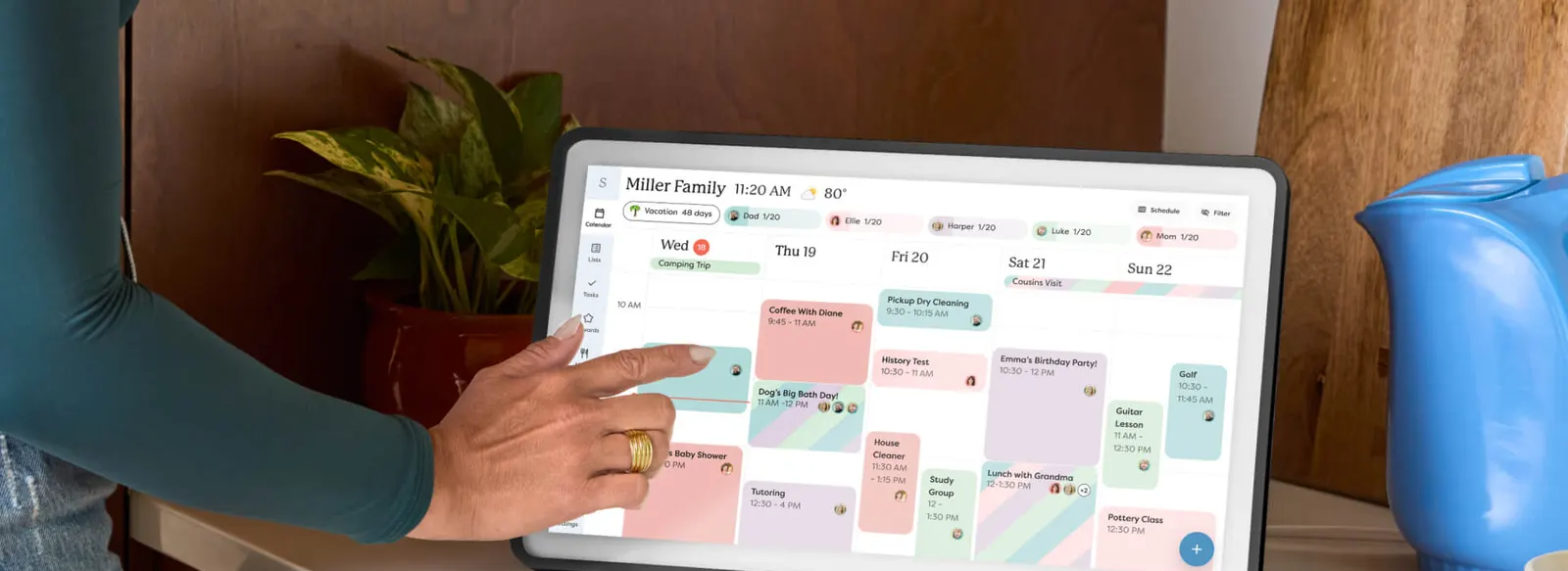
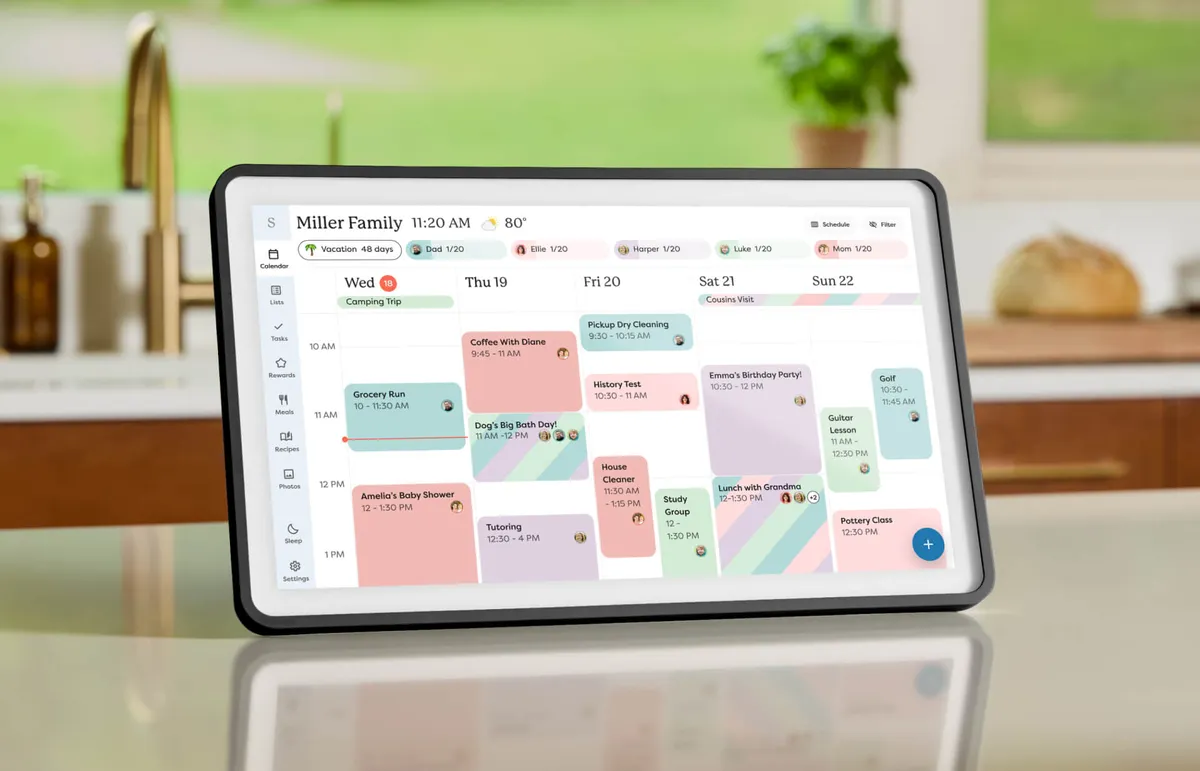
The Skylight Calendar 2 is a 15-inch touchscreen family calendar that pulls everyone’s schedules into one color-coded screen on the kitchen counter or the wall. It’s the second generation of Skylight’s 15-inch calendar, launched at CES in January 2026.
I like it because it fixes a people problem with a very boring screen. That’s a compliment.
What is the Skylight Calendar 2?
It’s a dedicated screen that does one job: show the family schedule. You plug it in, connect it to Wi-Fi and link your calendars. Skylight says it syncs with Google, Outlook, Apple and Yahoo calendars, and every family member gets their own color. Kids get a chore chart they can tick off by tapping pictures, so they don’t need to read yet.
Skylight started out making digital photo frames, and you can tell. The new model borrows the design of the 27-inch Calendar Max: a slimmer body, a brighter Full HD screen and magnetic Snap Frames you can swap to match the kitchen. It comes with a stand that tilts through 180 degrees and a wall mount with a built-in level. Inside are 16GB of storage and 4GB of RAM, according to the Amazon listing.
How does it work?
The free part covers the calendar, tasks, lists and the phone app. The smart stuff sits in the Plus Plan. SlashGear’s Adam Doud listed it at 79 bucks a year when he reviewed it in February 2026. Plus adds:
- Sidekick “magic import”: forward an email or snap a photo of a school flyer, and it turns into calendar events
- Meal planning with recipes and a shopping list
- A photo screensaver, so it doubles as a frame when nobody is using it
- Rewards for chores and a Disney Mode with characters and animations
The good and the not-so-good
The good: reviewers agree the screen is the upgrade. Doud found it faster, brighter and more responsive than the first model, and he called the Sidekick AI “kind of… good” at turning a poster into an event. Wired liked the 15-inch size for countertops and the way the photo screensaver won over the reviewer’s family. And it syncs the calendars you already use, so nobody has to switch apps.
The not-so-good: a lot of the fun is behind the subscription. Wired gave it a 7 out of 10 and flagged exactly that, plus the lack of voice input. Doud also noticed that the stand only works in landscape, and that the alarm’s OK button is small and awkward to reach. And it only works if the whole family actually uses it. A calendar nobody updates is a very expensive clock.
Who is the Skylight Calendar 2 for?
Busy families with kids, shared custody schedules or a fridge full of paper flyers. It’s a good gift for the parent who does all the planning, as long as the rest of the house agrees to play along. It also pairs nicely with a digital photo frame for the grandparents, so the same photos show up in both houses.
Skip it if you live alone or if your household already runs fine on a shared Google calendar. A phone is cheaper. And if you hate subscriptions, know that you’ll want the Plus Plan to get the full Skylight experience.
Where can I buy the Skylight Calendar 2?
Skylight sells it on its own site and through its Amazon store, in several frame colors. The black version was about 350 bucks on Amazon at the time of writing (October 2026), while Skylight’s own shop listed it at $299.99, so check both before you buy.
For more ideas for the organized people in your life, see our gifts for minimalists. Soccer is at four, by the way. It’s on the screen.