8BitDo Retro Mechanical Keyboard – a Commodore 64 look with giant red buttons
As an Amazon Associate I earn from qualifying purchases. It costs you nothing extra.
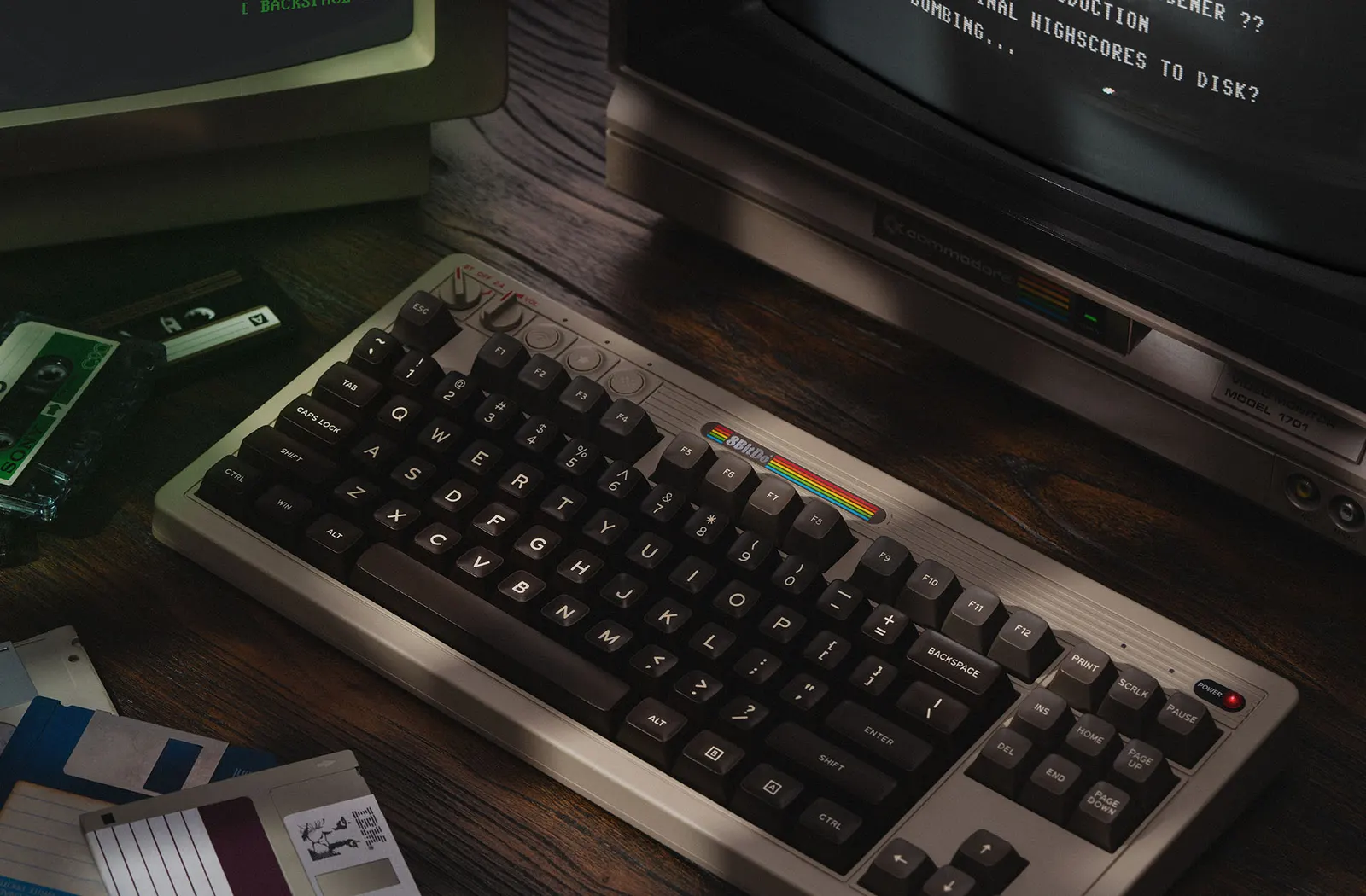
Most keyboards are flat gray slabs. They do their job. They also have the personality of a fridge door.
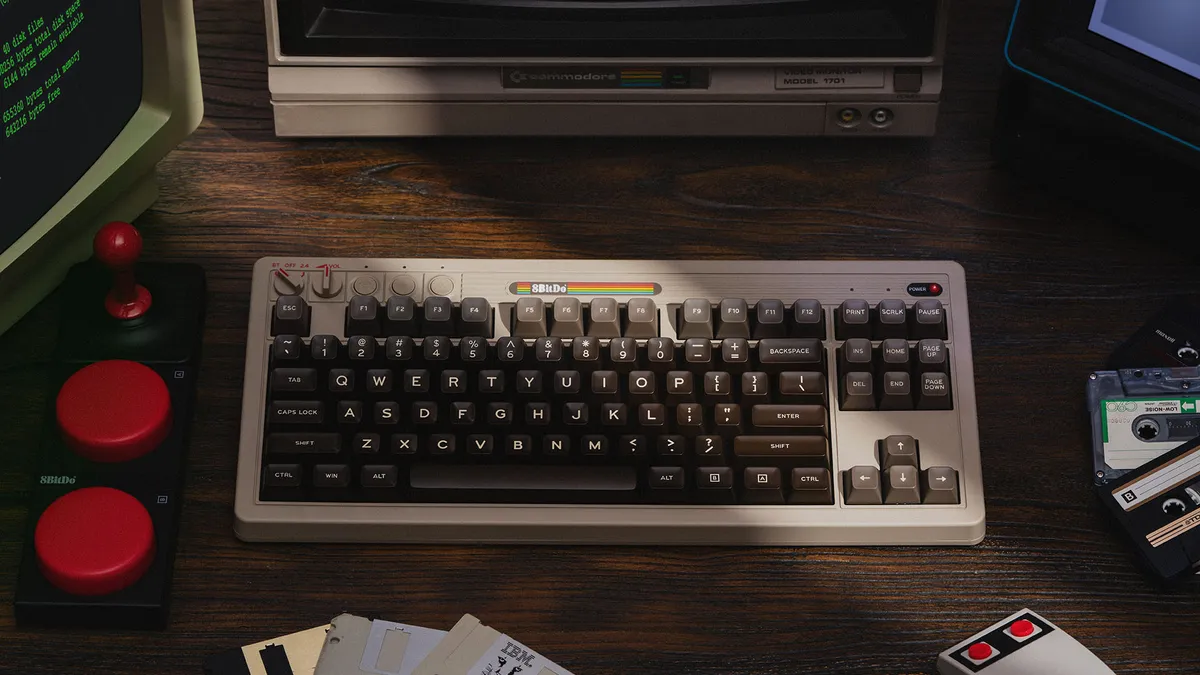
The 8BitDo Retro Mechanical Keyboard C64 Edition is the opposite. It’s a wireless mechanical keyboard dressed as the Commodore 64, the beige-and-brown home computer from 1982, and it comes with two giant red buttons you can program to do almost anything.
Yes, I want the big red buttons. No, I don’t have a reason yet.
What is the 8BitDo Retro Mechanical Keyboard?
8BitDo is the Chinese company known for retro-style game controllers (we wrote about its 8BitDo 64 controller for the Nintendo 64). In 2023 it launched this keyboard in NES and Famicom colors. The C64 Edition followed, and it’s the version I’d pick: warm beige case, dark brown keys, a little rainbow stripe across the top.
On paper it’s a proper keyboard underneath the costume:
- 87 keys (tenkeyless, so no number pad)
- Kailh Box White V2 switches, which are clicky
- A hot-swappable board, so you can swap switches without soldering
- Bluetooth, a 2.4G wireless dongle, or a USB-C cable
- A 2000mAh battery that 8BitDo rates at about 200 hours of use
- Works with Windows 10 and Android 9 or newer
The C64 Edition is also the only one with double-shot ABS keycaps in a tall SA profile. The other editions use flatter PBT caps.
How do the Super Buttons work?
The two big red buttons sit in their own little box, the Dual Super Buttons, connected by a cable. The C64 box also includes the Super Stick, a tiny arcade joystick. Sebastian Santabarbara at Retro Dodo explains the setup: press the star key, hold up to six keys, then press a Super Button. Done. No software needed. Ctrl+C on one, Ctrl+V on the other, and you’ve got the most satisfying copy-paste in the office.
The good and the not-so-good
What I like:
- The look. It belongs next to a CRT, even if you don’t own one.
- The sound. Retro Dodo gave it a 10 out of 10 for feel and sound, and a 9 overall.
- Three ways to connect, picked with a dial on the top left.
- Over 2,500 Amazon ratings at 4.7 stars at the time of writing.
What could be better:
- It’s officially for Windows and Android. Retro Dodo found the function keys don’t line up on a Mac, and the remapping software doesn’t run there.
- No adjustable feet and no backlight.
- Clicky switches. Your coworkers will hear every email.
- It weighs about a kilo, so it stays on the desk.
- A couple of Amazon buyers say they stopped using the Super Buttons after the novelty wore off.
Who is the 8BitDo Retro Mechanical Keyboard for?
People who grew up loading games from a cassette tape. Retro gamers with an emulation PC. And anyone who wants a mechanical keyboard that looks like a toy and types like a real one.
Skip it if you’re on a Mac or work in a quiet shared office. For something slimmer and quieter, look at the NuPhy Air75. If you want the typewriter fantasy instead, there’s the Qwerkywriter.
Where can I buy the 8BitDo Retro Mechanical Keyboard?
8BitDo sells it through its own Amazon store. The C64 Edition was about 95 bucks on Amazon US at the time of writing (October 2026). The NES, Famicom and other editions are on the same page.
Two giant red buttons and a keyboard dressed as 1982. Your fridge-door keyboard is getting nervous.