ISKN Slate Drawing Tablet – What Happened to It, and What to Get Instead
As an Amazon Associate I earn from qualifying purchases. It costs you nothing extra.
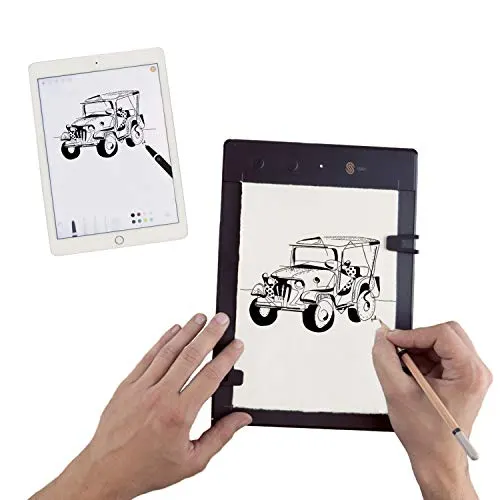
This one’s for the people who scan their drawings and then trace them again by hand in the digital domain. The ISKN Slate drawing tablet fixed that: you drew on real paper with a real pencil, and the lines showed up on your screen as you went. Short answer for anyone searching for it now: the Slate is discontinued. Leftover units still pop up, but the maker has moved on. Below is what it was, what happened, and the paper-based tablets that do the same job today.
What was the Slate drawing tablet?
The Slate by ISKN, a French startup, looked like a traditional A5 drawing pad. You clipped your favorite paper onto the pad’s drawing area and drew like you always do.
The trick was a little ring that you put around your favorite pen or pencil (or you used the pen in the box). The pad has 32 sensors that track the magnetic ring, so every movement of your drawing tool landed in the digital domain. The render showed up in ISKN’s companion drawing app, or in your favorite drawing software through the graphic tablet configurator app. No device with you? There’s 8 GB of memory on board to hold whatever masterpiece you made in the meantime.
The Slate, and the Magic Happens from iskn on Vimeo.

You could wire the Slate with USB or use Bluetooth to digitize your drawings wirelessly. It also had dedicated buttons for new pages and new layers in your projects. It looked like magic and it almost was.
Slate versions: Slate, Slate 2 and Slate 2+
According to Digital Trends, the original Slate started on Kickstarter in 2013 and raised nearly $350,000. The Slate 2 followed in 2016 with a more ergonomic design. The Slate 2+ was announced at IFA 2017 with an updated design, a sleeve, a pencil case and a new stylus. That’s the model this post (and the hero photo) is about, and the one you’ll still see on Amazon.
ISKN later took the same idea further under the name Repaper. Its own Repaper Studio app is the shared companion app for both Slate and Repaper owners.
Is the ISKN Slate discontinued?
Yes. ISKN never put out a big goodbye post, but the signs are clear:
- ISKN’s Repaper page now says that Repaper products are no longer available, that ISKN is “working on the next chapter”, and that customer support is still there for owners.
- The ISKN homepage now pushes MIRRA, a collaboration product you book a demo for. There’s no shop button for drawing tablets anymore.
- French retailer Officeeasy marks the Slate 2+ as end of life and discontinued by the manufacturer.
- The iPad version of the Repaper Studio app is still on the App Store, but its last update was in March 2023.
So a Slate 2+ still works if you have one. Buying one now means buying a tablet whose maker stopped selling it, with an app that hasn’t been updated in years. Keep that in mind before you click the box below.
What about the Wacom Bamboo Slate?
Searching for “slate drawing tablet” also turns up Wacom’s Bamboo Slate, a paper smartpad from 2016. Don’t make it your plan B. Wacom announced that its Bamboo Paper, Inkspace and Wacom Notes apps would leave the app stores on December 18, 2025 (Wacom support, Thurrott). Inkspace was the Bamboo Slate’s companion app, and the big A4 Slate has dropped off Amazon too. Wacom’s Intuos Pro Paper Edition, the other pen-on-paper option, has been discontinued at retailers for a while.
The best Slate alternatives: draw on real paper, get digital lines
These three are still sold in November 2026 and do the same basic thing: you put ink on real paper, and your phone or computer gets a copy of every stroke.
Huion Note – the closest thing to a Slate
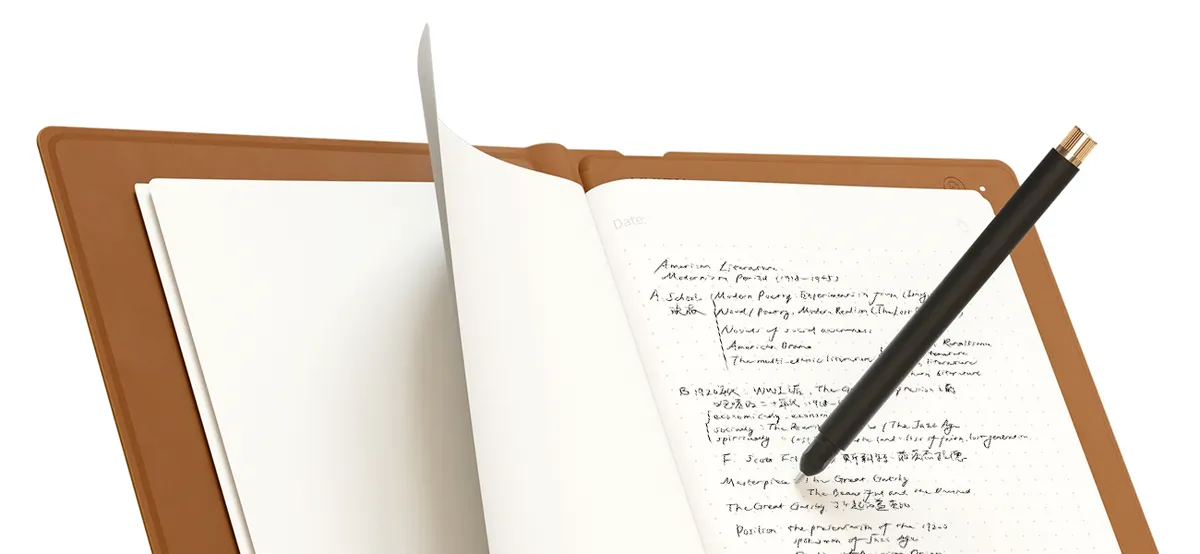
The Huion Note (model X10) is an A5 notebook cover with 50 refillable paper pages and a battery-free pen with a ballpoint refill. You write or sketch on the paper, and the Huion Note app on your phone (iOS or Android) gets the lines over Bluetooth in real time. It also stores up to 50 pages offline, and you can export your pages as images, PDF or an MP4 replay of the drawing.
The part that makes it a real Slate replacement: take out the paper, put in the included panel, plug it into a Windows, Mac or Linux computer, and it’s a regular pen tablet with 8,192 pressure levels and tilt. On paper, that’s the Slate’s “draw on paper, then use it in your software” promise, only split into two modes.
The catch: pen tablet mode works without paper, and the note mode needs Huion’s own pen, so your favorite pencil stays in the drawer. Cybernews also points out that it gets pricey if you only use it as a sketchbook. It was about 85 to 120 bucks on Amazon at the time of writing (November 2026), depending on the color.
Neo smartpen M1+ – a pen that does the tracking
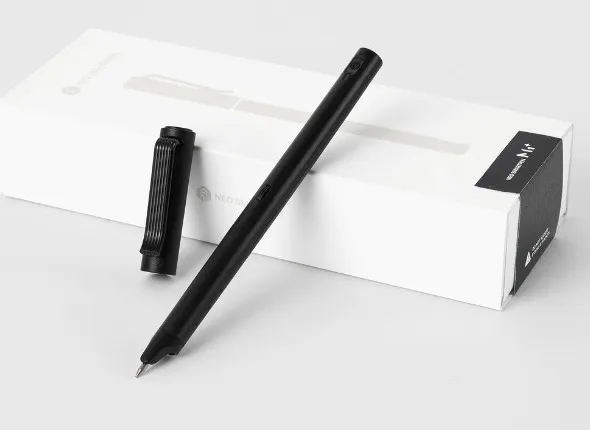
The Neo smartpen flips the idea around: the pad is dumb and the pen is smart. A tiny camera in the pen reads a dot pattern (Ncode) printed on Neo’s notebooks, and the Neo Studio app shows your strokes on your phone. NeoLAB relaunched the M1+ in February 2026 for the line’s tenth anniversary, now with USB-C charging, and it still takes standard D1 refills (SmartWatch Life).
It only digitizes on Ncode paper, so no random sketchbooks. It’s also built for notes more than art, and the early Amazon ratings for the new version are mixed. It was about 130 bucks on Amazon at the time of writing (November 2026).
Moleskine Smart Writing Set – the pretty one
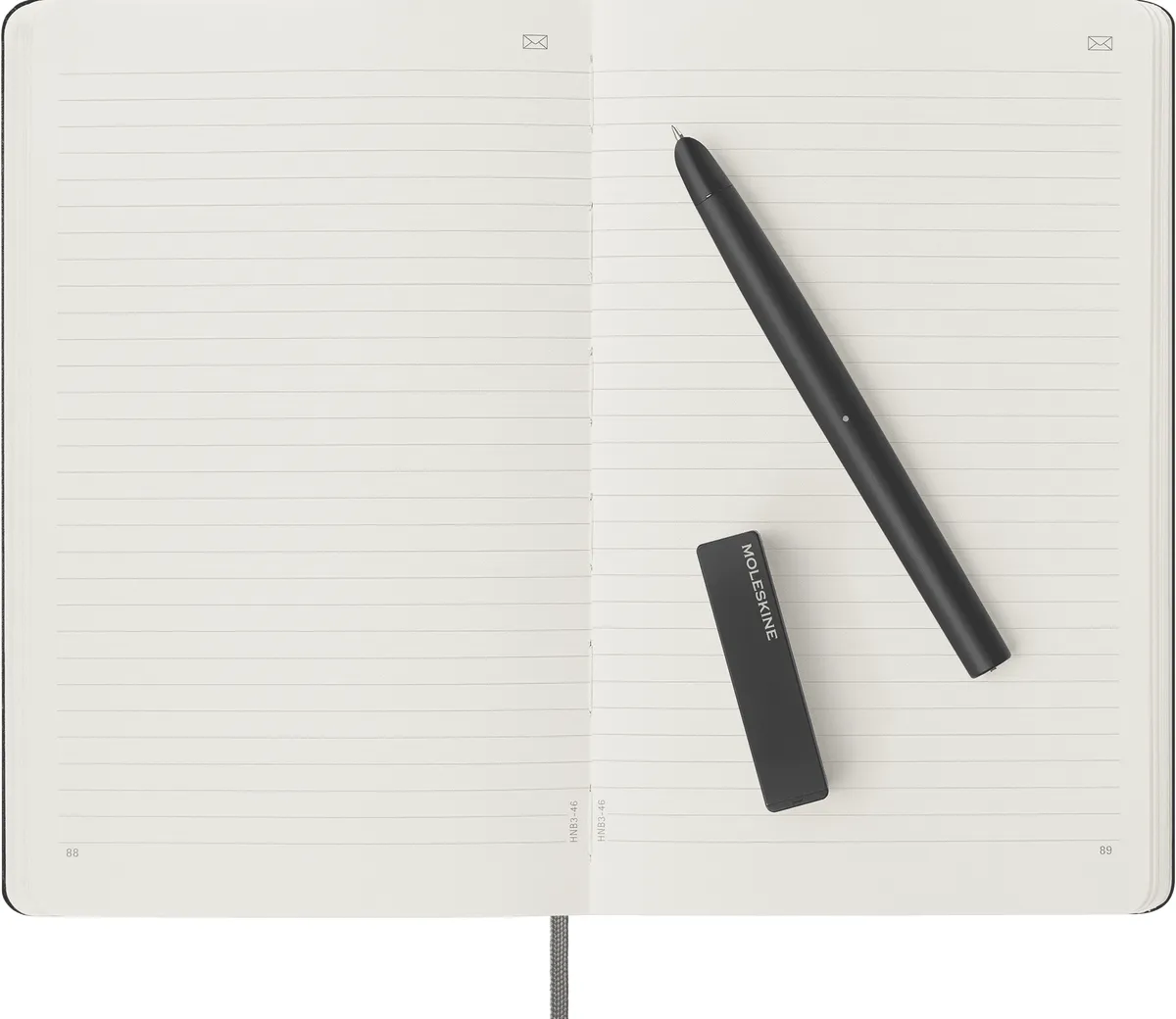
If you already carry a Moleskine, the Smart Writing Set puts the same trick in a familiar notebook. You get a large Smart Notebook with Ncoded paper, a Smart Pen, a refill and a magnetic charger. Everything you write or doodle lands in the free Moleskine Notes app.
Same limit as the Neo: it only works on Moleskine’s own smart paper, so you keep buying their notebooks. It’s a notebook first and a sketchbook second.
Which one should you get?
- You want the Slate experience for drawing: the Huion Note. Paper when you’re out, a pen tablet when you’re at your desk.
- You mostly write and doodle: the Neo smartpen M1+ or the Moleskine set. Pick the Moleskine if the notebook matters to you, the Neo if you want a pen that takes standard D1 refills.
- You found a Slate 2+ cheap: go for it if you can live with an app that stopped getting updates in 2023. Don’t pay full price for it.
- You’re ready to let go of paper: a tablet with a pen does all of this better, minus the pencil smell. Our iPad Mini 2021 post is a good place to start.
Want more smart pens? The Nuwa Smart Pen tried to do this on any paper, and Scribit does the opposite: it takes digital drawings and puts them on your wall.
I still think drawing on paper and getting clean digital lines out of it is one of the best ideas in this whole category. The Slate was just a few years early.