Turtle Beach Stealth Pivot – a controller with buttons that spin around
As an Amazon Associate I earn from qualifying purchases. It costs you nothing extra.
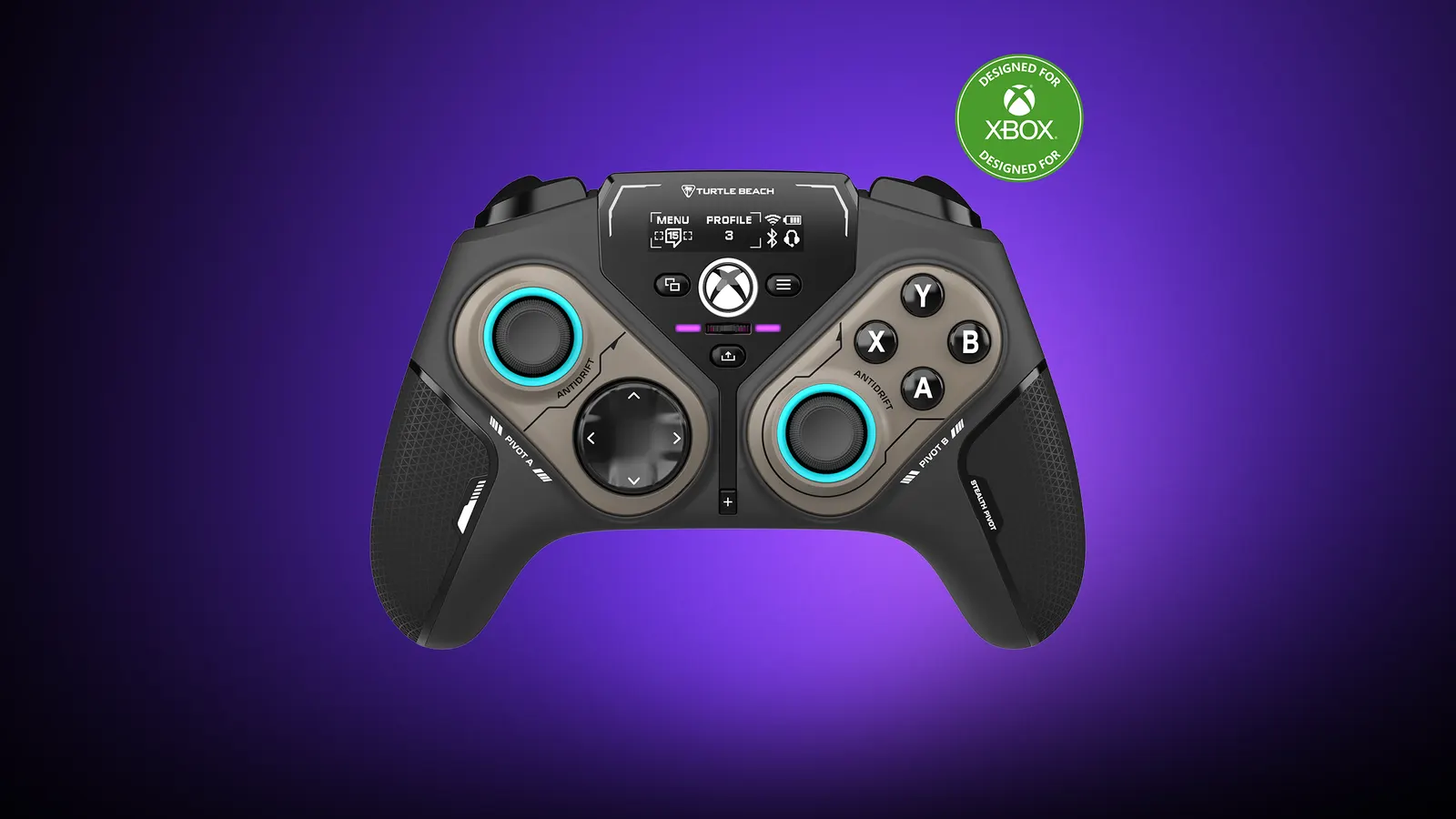
Play Street Fighter on a normal controller and your left thumb ends up doing all the work on a d-pad that sits in the wrong spot. Play an old platformer and you never touch the right stick at all. Same controller, two very different jobs.
The Turtle Beach Stealth Pivot has a fix that sounds like a toy: the two halves of the face rotate. It’s a wireless controller for Windows PC and Xbox whose button modules spin around to swap a shooter layout for a fighting-game layout.
Is that necessary? No. Do I want to flip it back and forth during boring meetings? Absolutely.
How does the Turtle Beach Stealth Pivot work?
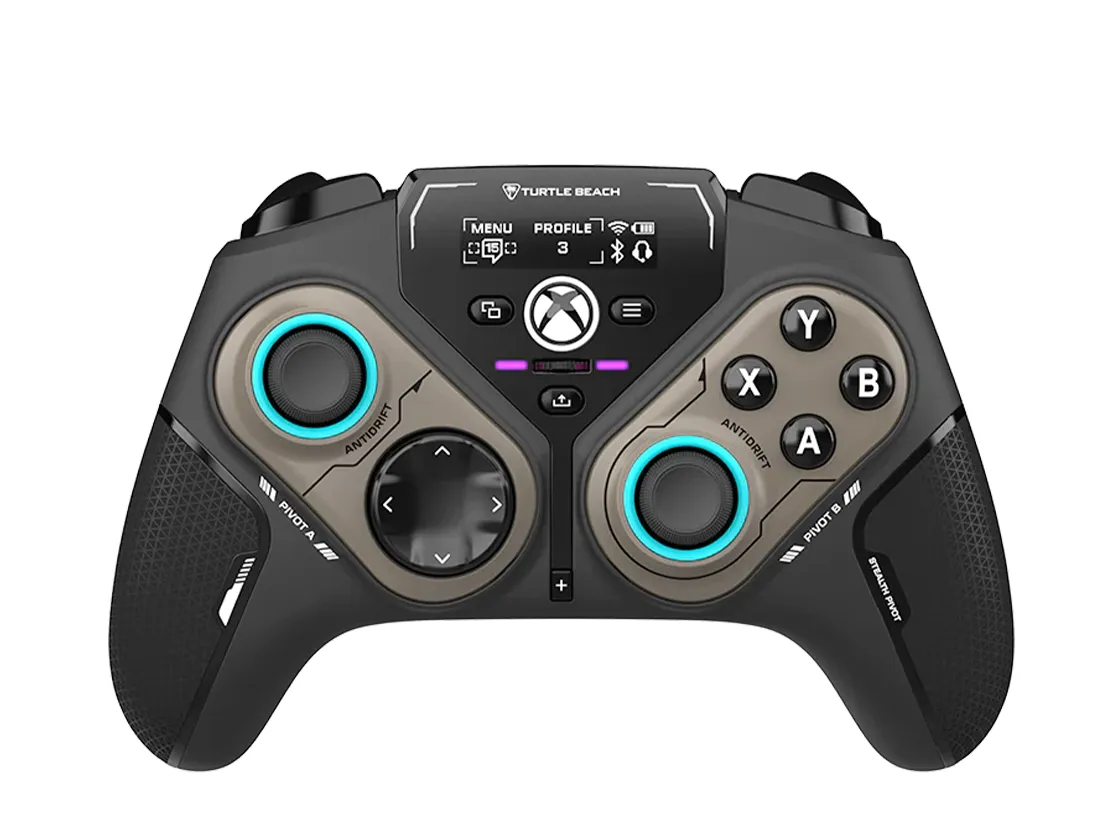
Each side of the controller is a round module with controls on both ends. Slide the release switches on the back, rotate one or both modules, and lock them again.
- The standard layout is classic Xbox: d-pad and thumbstick on the left, ABXY and thumbstick on the right.
- Flip them and the d-pad moves into the prime thumb spot on the left, next to two extra buttons (the stick clicks). On the right you get ABXY plus two mappable buttons. Turtle Beach pitches that layout at fighting games and retro titles.
Turtle Beach launched it in November 2024 at $129.99. Besides the party trick, the maker lists:
- 2.4 GHz wireless with a USB dongle for PC, Bluetooth for Android devices and Samsung smart TVs, and a wired connection for Xbox Series X|S and Xbox One
- Hall effect “AntiDrift” thumbsticks
- A small screen called the Connected Command Display, which shows notifications from your phone, audio settings for a headset in the 3.5 mm jack, and button mappings
- Four mappable buttons, up to five onboard profiles and adjustable trigger stops
- Up to 20 hours of battery, with play-and-charge over USB-C
The good and the not-so-good
What I like:
- The pivot actually works for its purpose. TechRadar found the alternate layouts great for fighting games and retro games. Tom’s Guide described it as four controllers in one.
- Hall effect sticks, which use magnets instead of contact parts and are designed to avoid stick drift.
- The grip. Tom’s Guide called it a joy to hold.
What could be better:
- No wireless on Xbox. CGMagazine pointed out you have to play wired on the console, which feels odd at this price.
- Switching layouts is slow. TechRadar found the rotation cumbersome and called the execution clumsy in places.
- The display may be a gimmick. TechRadar suspected it’s the main reason the controller costs what it does.
- Ergonomics are a bit unusual. TheSixthAxis found the sticks shorter and the body thicker than a standard pad, and Gstylemag noticed occasional hiccups on the 2.4 GHz connection.
Who is the Turtle Beach Stealth Pivot for?
PC players who switch between shooters and fighting games or retro collections, and who don’t want a second controller for each. It’s also a fun gift for the gadget person who already owns a “normal” Xbox controller and wants something weirder.
Skip it if you mostly play on an Xbox from the couch: you’d be tied to a cable. If you play fighting games seriously, a dedicated stick like the 8BitDo Arcade Stick for Xbox is the better tool. And for a straightforward wireless PC pad, the 8BitDo Ultimate 2 costs less.
Where can I buy the Turtle Beach Stealth Pivot?
Turtle Beach sells it on Amazon. At the time of writing (October 2026) it’s about 130 bucks, in black.
A controller that does a little twirl. Take my money!