Backbone Pro – the phone controller that also works without the phone
As an Amazon Associate I earn from qualifying purchases. It costs you nothing extra.
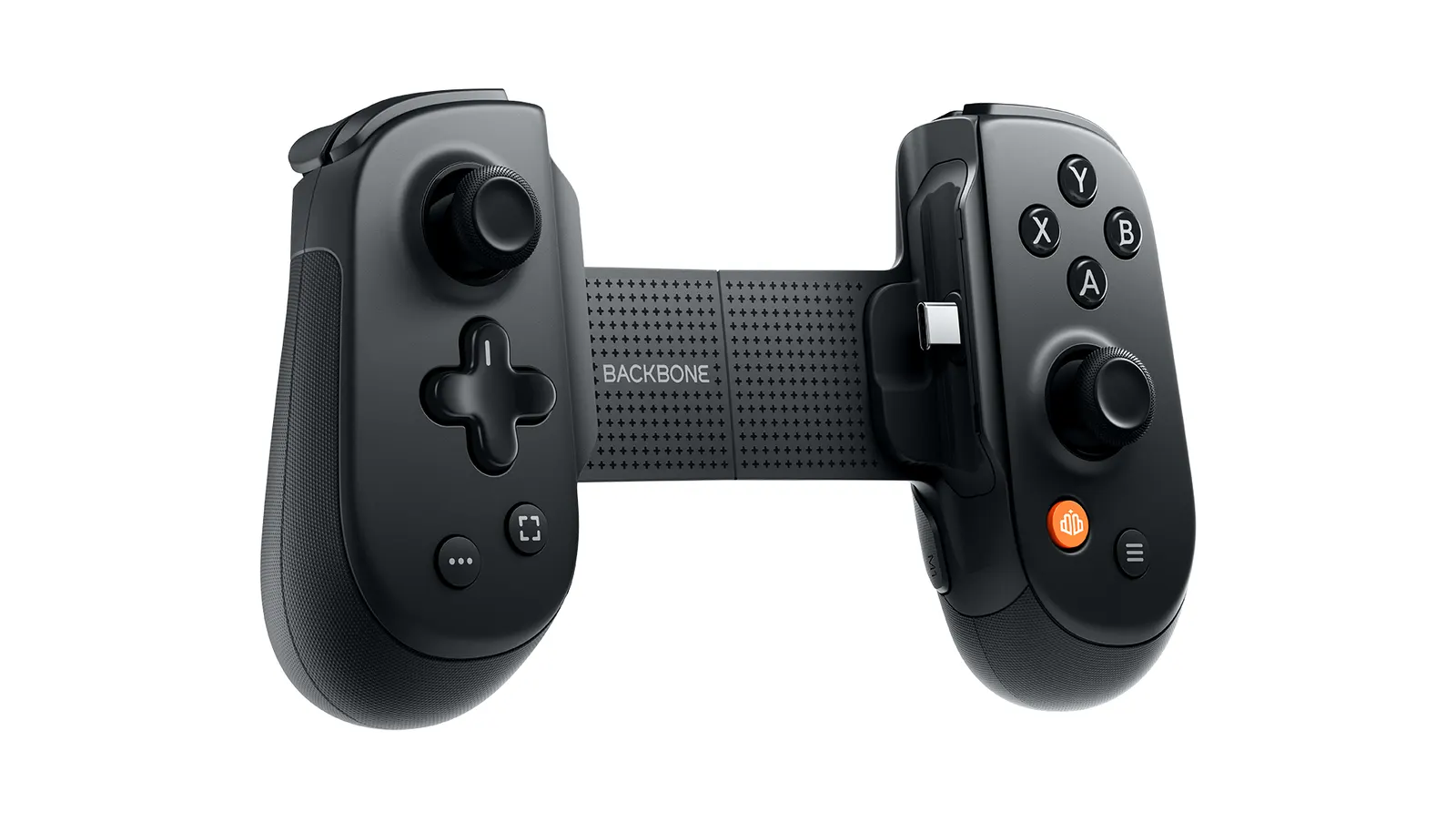
Phone controllers have one annoying limit. They only work when a phone is clamped between the two halves. Want to play the same game on a laptop or a TV? Go find another controller, and a charger for it.
The Backbone Pro fixes that. It’s a phone controller that grips your iPhone or Android like a Nintendo Switch, but it also pairs over Bluetooth as a regular wireless gamepad. Phone on the train, tablet in bed, PC at your desk: one controller.
It’s not cheap. It might still be the last phone controller you buy.
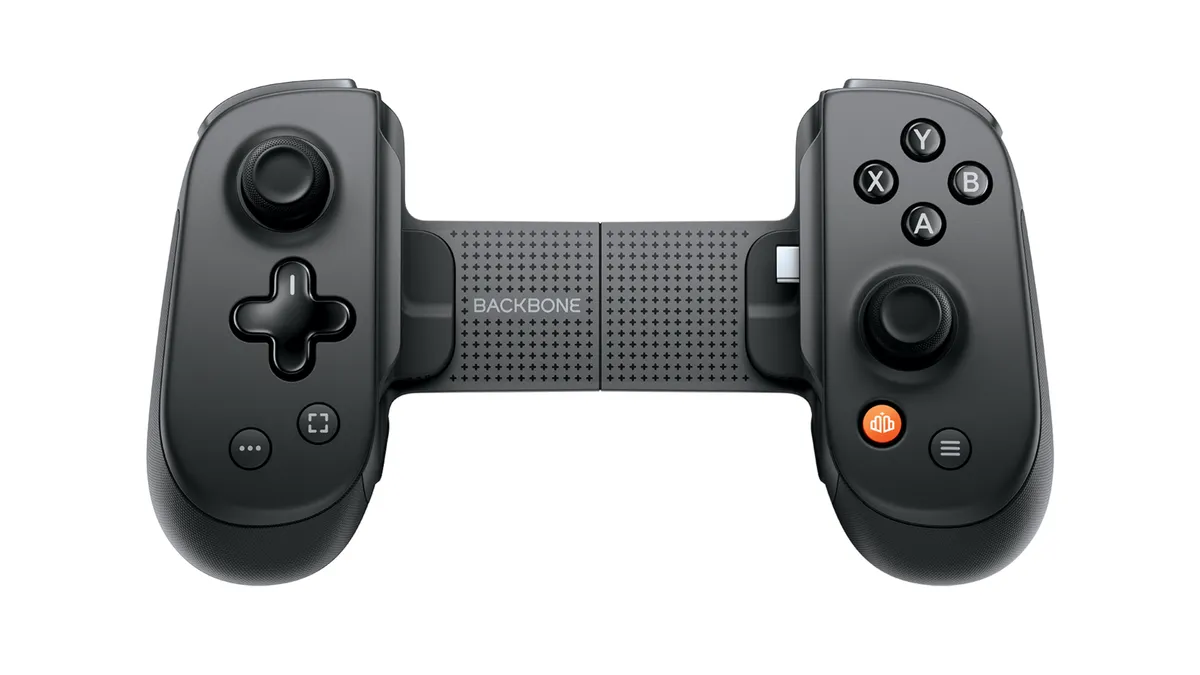
What is the Backbone Pro?
Backbone is the company behind the Backbone One, probably the best-known phone controller around. The Pro arrived in 2025 as its bigger, more grown-up sibling.
It has three modes:
- Handheld: clamp your phone in and it connects over USB-C for the lowest latency. In this mode it runs on the phone’s power, and you can charge the phone through the controller.
- Wireless: connect over Bluetooth to a PC, Mac, tablet or smart TV. Backbone claims up to 40 hours of battery life.
- Wired: plug it into a computer or tablet with a USB-C cable and it acts like a wired controller.
The bigger shape is the other change. You get full-size ALPS joysticks instead of the small sticks on the One, two programmable rear buttons, a 3.5mm headphone jack and magnetic adapters, so most phone cases can stay on.
How does it work?
Out of the box, you just attach it and play any game with controller support: App Store and Google Play games, Apple Arcade, Xbox Cloud Gaming, Xbox and PlayStation Remote Play, Steam Link. The free Backbone app adds button remapping, firmware updates and a launcher for all your games. A paid Backbone+ subscription adds extras like recording and an emulator, but Backbone says you don’t need it to play.
It does not connect straight to an Xbox or PS5. You can still play your console games through remote play or the cloud.
The good and the not-so-good
What I like:
- One controller for every screen. Paul Thurrott called it “highly recommended” and noticed little to no latency in fast multiplayer games.
- Bigger, more comfortable grips and sticks. Press Start called it the most polished phone controller you can buy.
- 40 hours of wireless play, per Backbone, and no battery drain at all when docked.
What could be better:
- The price: about 170 bucks, more than twice the Backbone One.
- It’s wide. Thurrott and Press Start both found it awkward without a phone in the middle.
- No Hall effect sticks and no rumble at this price. Press Start called that a missed opportunity. The triggers are Hall effect, though.
- Instant Bluetooth pairing can be hit or miss, according to TechRadar.
- USB-C only. iPhones with a Lightning port (iPhone 14 and older) won’t fit.
Who is the Backbone Pro for?
People who game on more than one screen: Game Pass streamers, PlayStation owners who use Remote Play from the couch or bed, and anyone who travels with a phone and a laptop. Press Start’s advice fits: the One for one device, the Pro for several.
Skip it if you only ever play on your phone. The Backbone One is smaller and cheaper. If you want a proper PC controller with a charging dock, the 8BitDo Ultimate 2 costs about a third of this. And PlayStation fans who want a bigger screen should look at the PlayStation Portal.
Where can I buy the Backbone Pro?
Backbone sells it on Amazon. At the time of writing (October 2026) it’s about 170 bucks. There’s also a green Xbox Edition for about ten bucks more.
One controller, every screen. My drawer of cables approves.