Cricut Joy Xtra – a sticker factory the size of a loaf of bread
As an Amazon Associate I earn from qualifying purchases. It costs you nothing extra.
Cutting out a sticker by hand sounds easy until you try it. The corners go wobbly, the letters lose their edges, and the result looks like a ransom note.
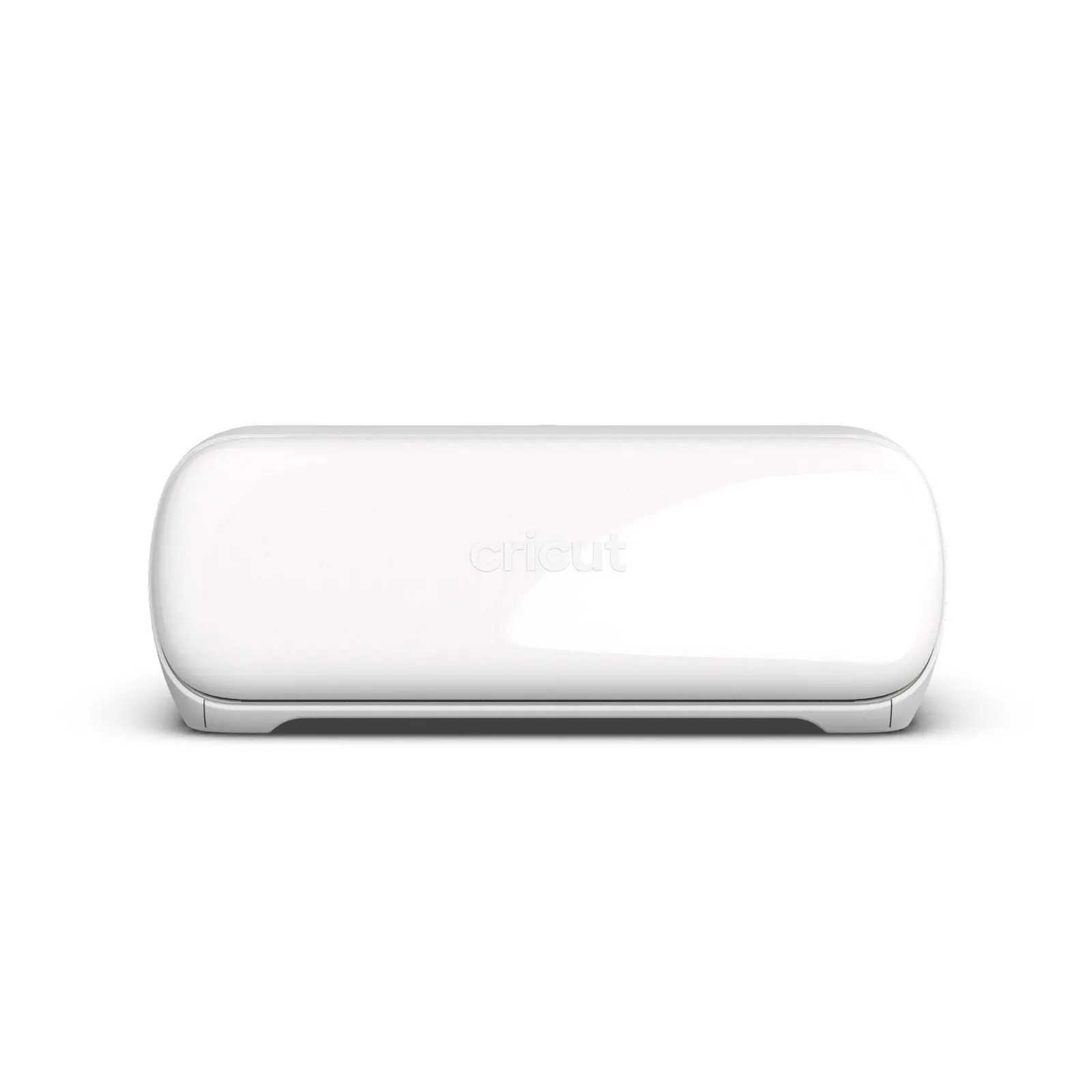
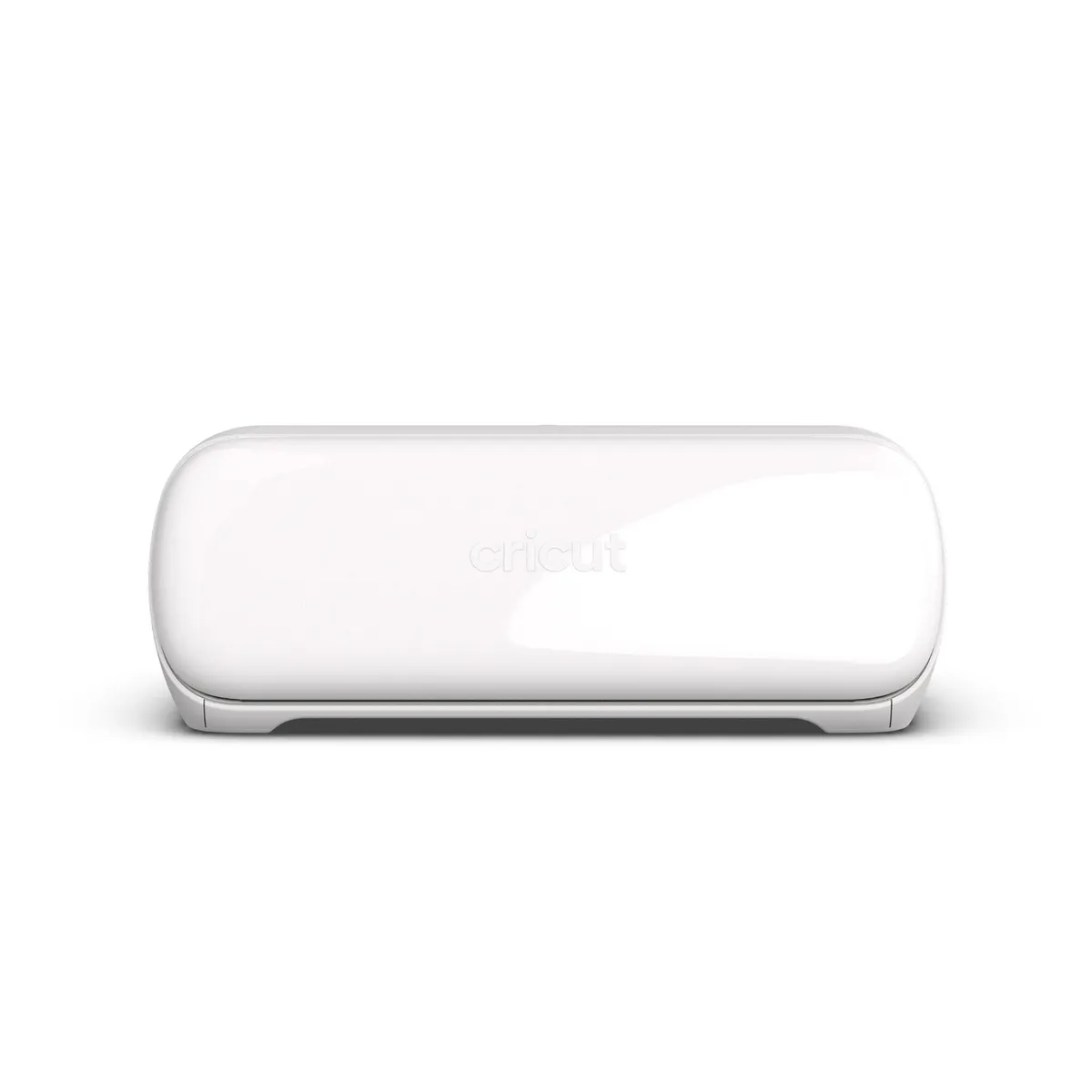
The Cricut Joy Xtra is a small cutting machine that does the cutting for you. You design something on your phone or laptop, feed in vinyl, card or sticker paper, and a tiny blade cuts the shape out. With your inkjet printer it also does full-color stickers. Cricut says it’s about the size of a loaf of bread, which is the most relatable product spec of the year.
What is the Cricut Joy Xtra?
It’s the middle child of Cricut’s lineup. The original Cricut Joy is petite and cuts much narrower material. The big Explore and Maker machines cut far bigger sheets, but they eat a whole table. The Joy Xtra sits in between: big enough for a US Letter or A4 sheet, small enough to put away in a cupboard. Cricut is an American company, and this machine came out in 2023. In February 2026 Tom’s Guide still called it their top recommendation for people just getting started.
The maker says it cuts 50+ materials, including vinyl, iron-on and cardstock. On a mat the maximum cut is 8.2 by 11.7 inches. With Cricut’s “Smart Materials”, which you feed in without a mat, you can cut up to 4 feet long.
How does the Cricut Joy Xtra work?
Everything goes through Cricut’s free Design Space app on iOS, Android, Windows or Mac. The machine connects over Bluetooth only, no USB. You pick a design from the library or upload your own, send it to the machine, and it cuts.
The trick for stickers is “Print Then Cut”. You print your design on sticker paper with a normal inkjet printer, the app adds little registration marks around it, and a sensor in the Joy Xtra reads those marks so the blade cuts neatly around your artwork. Swap the blade for a pen or Cricut’s foil tool (sold separately) and it writes or adds a shiny foil finish.
The good and the not-so-good
What I like:
- Precision. Millie Fender at Tom’s Guide called it “insanely precise” after cutting very detailed bookmarks with it.
- Size. It fits on a desk and goes back in the cupboard when you’re done.
- Stickers, labels, cards and T-shirt decals from one machine.
- Amazon buyers rate it 4.5 out of 5 from more than 1,500 reviews.
What could be better:
- It’s slow. Tom’s Guide lists 5.65 inches per second, against 14.1 for the Maker 4 and Explore 4. That detailed bookmark took nearly half an hour.
- Subscription creep. The app is free, but a lot of fonts and designs sit behind the paid Cricut Access plan. Both Tom’s Guide and Amazon reviewers grumble about it.
- No buttons on the machine, so you depend on the app for everything. Tom’s Guide’s reviewer also had trouble pairing it with an Android phone at first.
Who is the Cricut Joy Xtra for?
Beginners who want to make stickers, labels, party decorations or custom T-shirts without turning a room into a craft studio. It’s a great gift for the friend who already hand-letters every birthday card, or for anyone planning a wedding with “a few personalized touches” (we all know how that ends).
Skip it if you plan to sell decals in bulk or cut wide signs. You’ll outgrow the width and the speed, and an Explore 4 makes more sense. For other creative tools, our Slate drawing pad turns paper sketches into digital files, and the ELF gift wrap cutter is the cheapest upgrade your scissors will ever get.
Where can I buy the Cricut Joy Xtra?
Cricut sells it on Amazon through its own brand store, as the machine alone or in bundles with vinyl or sticker paper. Prices move a lot around sales, so check the current deal before you pick a bundle. You’ll need your own inkjet printer for the Print Then Cut stickers.
Your scissors can finally retire.